Back to the home page DE
What — the services

Microsoft Teams workshops and training

In the workshops, we work with your core team to define how collaboration should look. In the training sessions, your whole team learns to work that way. On site in the Bern area or online across Switzerland.

Microsoft calls this adoption and change management: making sure Teams is actually used in everyday work.

Basic package
Assessment, guidelines workshop, fundamentals training and 4 hours of follow-up. Less than booking separately.
Cost
A quote with a fixed price after the initial call
Flexible
Every service bookable separately. Non-profits receive 20% off all fees.
Overview as PDF ↓
01

Getting started

First we clarify where you stand.

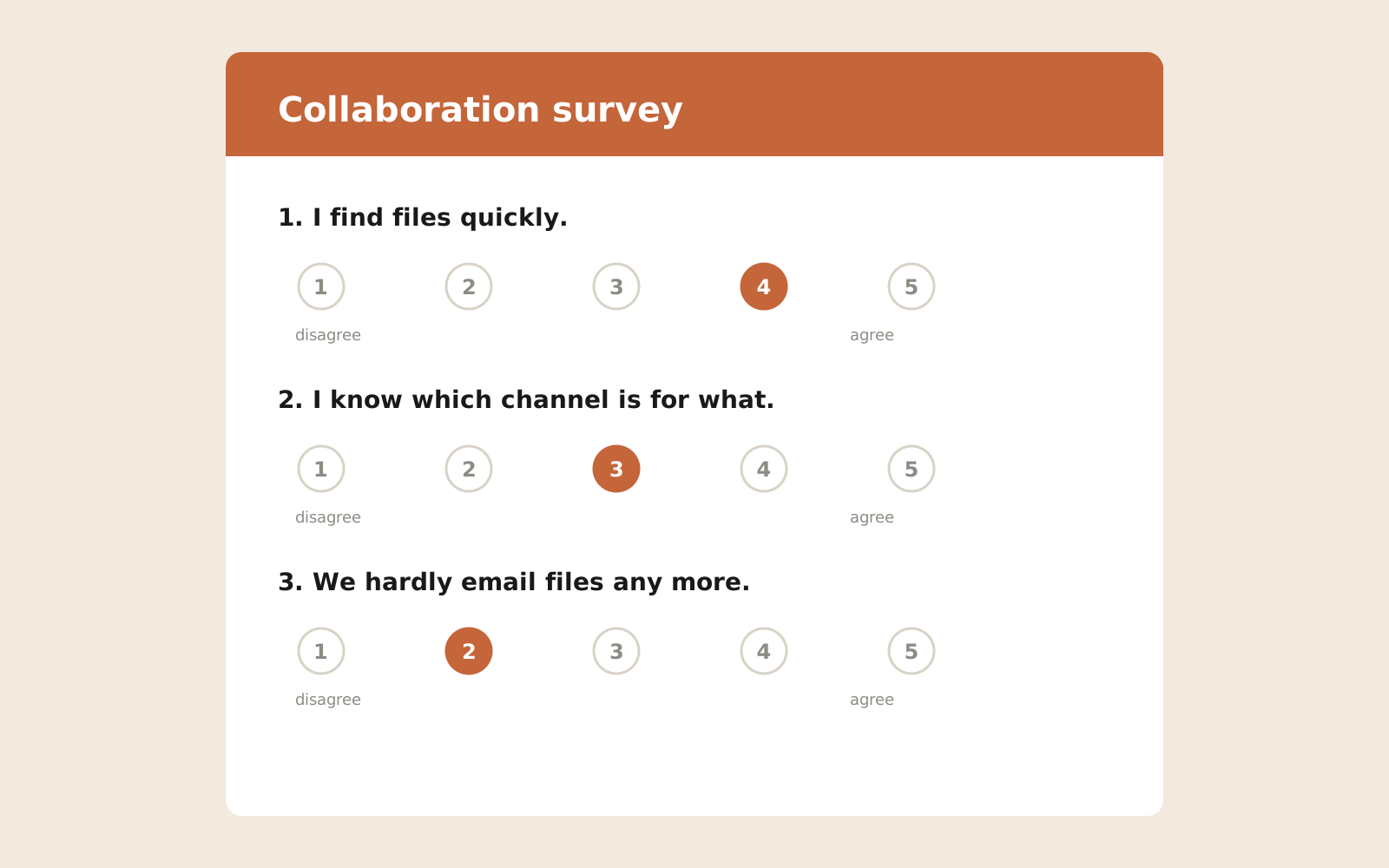
Sketch: short team survey on a scale of 1 to 5
The survey takes 5 minutes. We repeat it at the follow-up session.

Initial call

Free · 30 minutes · online

Then we decide together: an assessment or a quote with a fixed price within a week.

Assessment

On siteIn basic package

On site, with a contact person and a short survey in the team. It answers four questions:

  • How do people work today?
  • Which communication tools do they use?
  • Where does information get lost?
  • Which improvements bring the most benefit?

You receive a brief report with the current state, gaps, a prioritised action plan and goals, aligned with your IT. I don't need admin rights.

02

Workshops

For your core team, 3 to 6 people: the business owners who can set binding ways of working for their teams. With a written outcome.

W1Guidelines for Teams and file storage

1 to 2 half-daysIn basic package

We define which teams and channels exist, where documents are stored and who can see what. The outcome is your guidelines, written down.

Contents in detail
  • Team and channel structure, naming conventions
  • Storage: Teams, SharePoint or OneDrive
  • Which app for what: OneNote, Loop, Planner, Lists, Forms, Whiteboard and To Do
  • Where notes, tasks and decisions belong
  • One owner with a deputy for each team
  • Channel types: standard, private, shared, and who grants access there
  • Guests: who invites, what is shared, how access is reviewed and removed again
  • Archiving, aligned with your IT requirements
  • Planning the migration of existing data, implemented by simpliq
  • Permissions that also work for Copilot

W2Communication concept

Half-day · recommended with several departments

We clarify how and where your company communicates. The outcome is a one-page set of ground rules everyone knows.

Contents in detail
  • When to use chat, channel, email or a meeting
  • Availability, status and response times
  • Who informs whom about what
  • Meetings: agenda, length, minutes

W3Teams telephony

Half-day

We plan how your company will make and take calls through Teams. The outcome is a call plan your IT provider can implement directly.

Contents in detail
  • Replacing the phone system with Teams
  • Availability, opening hours and call forwarding
  • Greetings, queues and cover arrangements
  • Technical implementation by simpliq
03

Training

For all staff, at most 10 people, on site or online. Online also in two parts of 2 hours each. Practice takes place in a training team with sample data, with your real documents only if you wish.

S1Teams fundamentals

Half-dayIn basic package

After the half-day, your team works confidently in everyday use. Plus a checklist for the first week.

Contents in detail
  • Chats, channels and meetings
  • Posts, replies and @mentions
  • Confidence in channels: who reads along, your first post
  • Sharing files instead of attaching them
  • Searching and finding things again
  • Notifications under control
  • Teams on your smartphone
  • Making calls from Teams

S2Teams for advanced users

Half-day

For everyone who already uses Teams and wants to get more out of it.

Contents in detail
  • Co-authoring documents, versions and sharing
  • Planner, OneNote and Loop in the channel
  • Tags, announcements and managing channels
  • Running good meetings
  • Working with external parties
  • Copilot in Teams: summarising meetings and chats

S3Teams in brief

1.5 to 2 hours

For staff who mainly read in Teams. Afterwards they know where information arrives and what they need to read. On request also as short videos.

Contents in detail
  • Where information arrives: post, chat or email
  • Setting up notifications properly
  • Finding and opening files
  • Joining meetings
  • Teams on your phone

V1Deep dive: Planner and tasks

2 hours · also without S1 and S2

Plan, assign and track team tasks, right in the channel.

Contents in detail
  • Setting up plans in a channel
  • Buckets, due dates and owners
  • Using Planner and To Do together
  • An overview of your own tasks

V2Deep dive: Copilot in Teams

2 hours · Copilot licence required

Summarise and follow up on meetings, chats and channels with Copilot.

Copilot only finds what is stored in order and shared correctly. That is why the guidelines from workshop W1 are the best preparation for Copilot.

Contents in detail
  • Summarising meetings and deriving tasks
  • Catching up on long chats and channels
  • Good prompts for everyday work
  • What Copilot sees: checking permissions
04

Follow-up

After the training, and in the years that follow, I remain available to your team. For new ways of working to last, leadership matters too: managers lead by example and receive the results of the follow-up session.
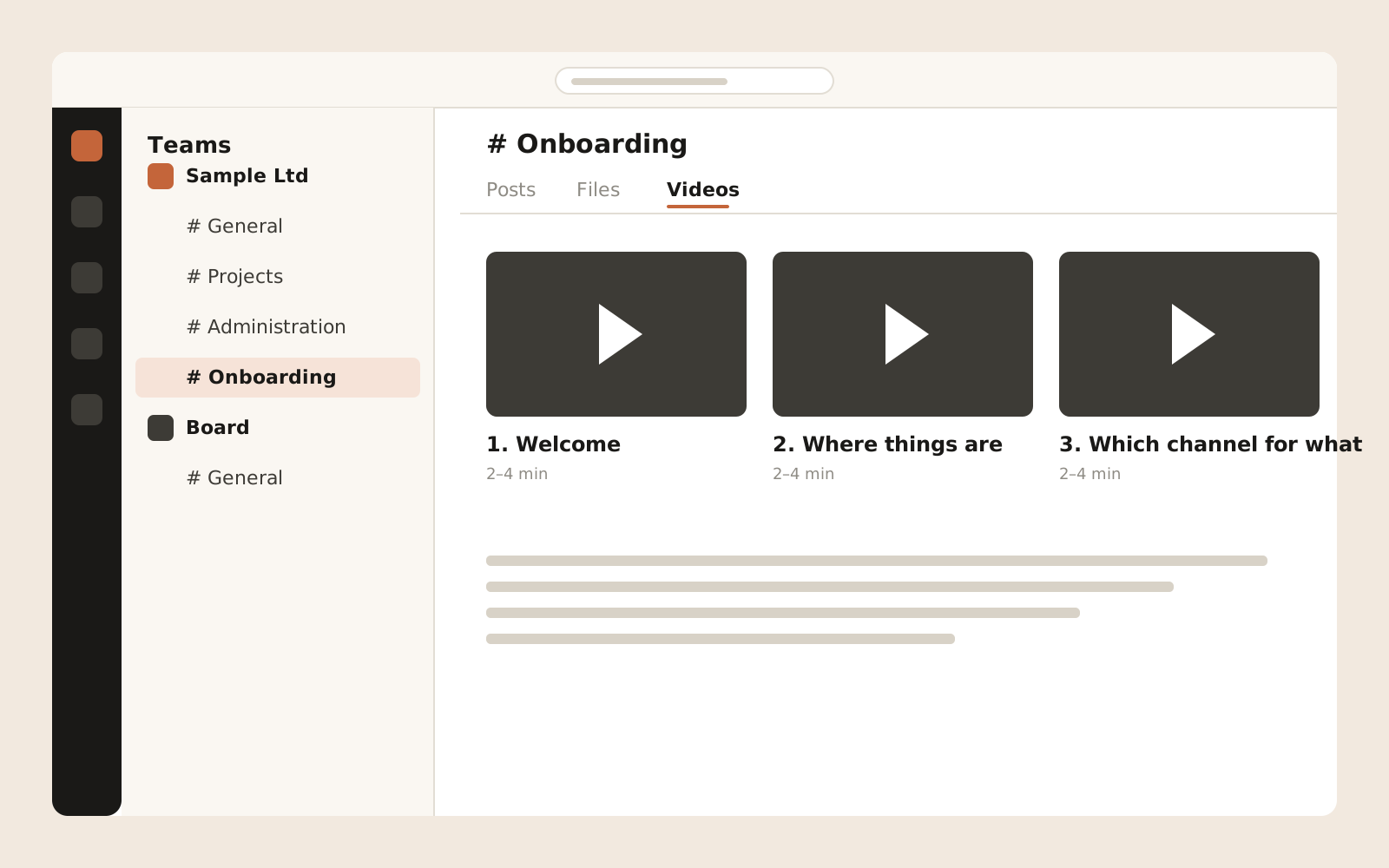
Sketch: onboarding video in the «Onboarding» channel
Follow-up plus: short videos with your guidelines for new staff.

Follow-up support

4 hours in the basic package, more by the hourIn basic package

As online office hours, for questions via Teams or for a follow-up session after four to six weeks. There we repeat the survey from the assessment. That way you can see what has improved, measured against the agreed goals: survey scores before and after, recurring questions to IT, and how quickly new staff find their way.

Refresher

Once a year

New people and changing processes make ground rules fade over time. A short assessment shows whether the rules still fit, and we refresh them where needed.

Follow-up plus

Three videos for new staff

Short videos tailored to your setup: welcome to your Teams, where things are stored, which channel for what. 2–4 minutes each, with subtitles, stored in your Teams. That way new people follow your ground rules from day one.

Let's talk about your team.

The initial call is free and takes 30 minutes. Within a week you receive a quote with a fixed price.

Request an initial call